Initial Designs
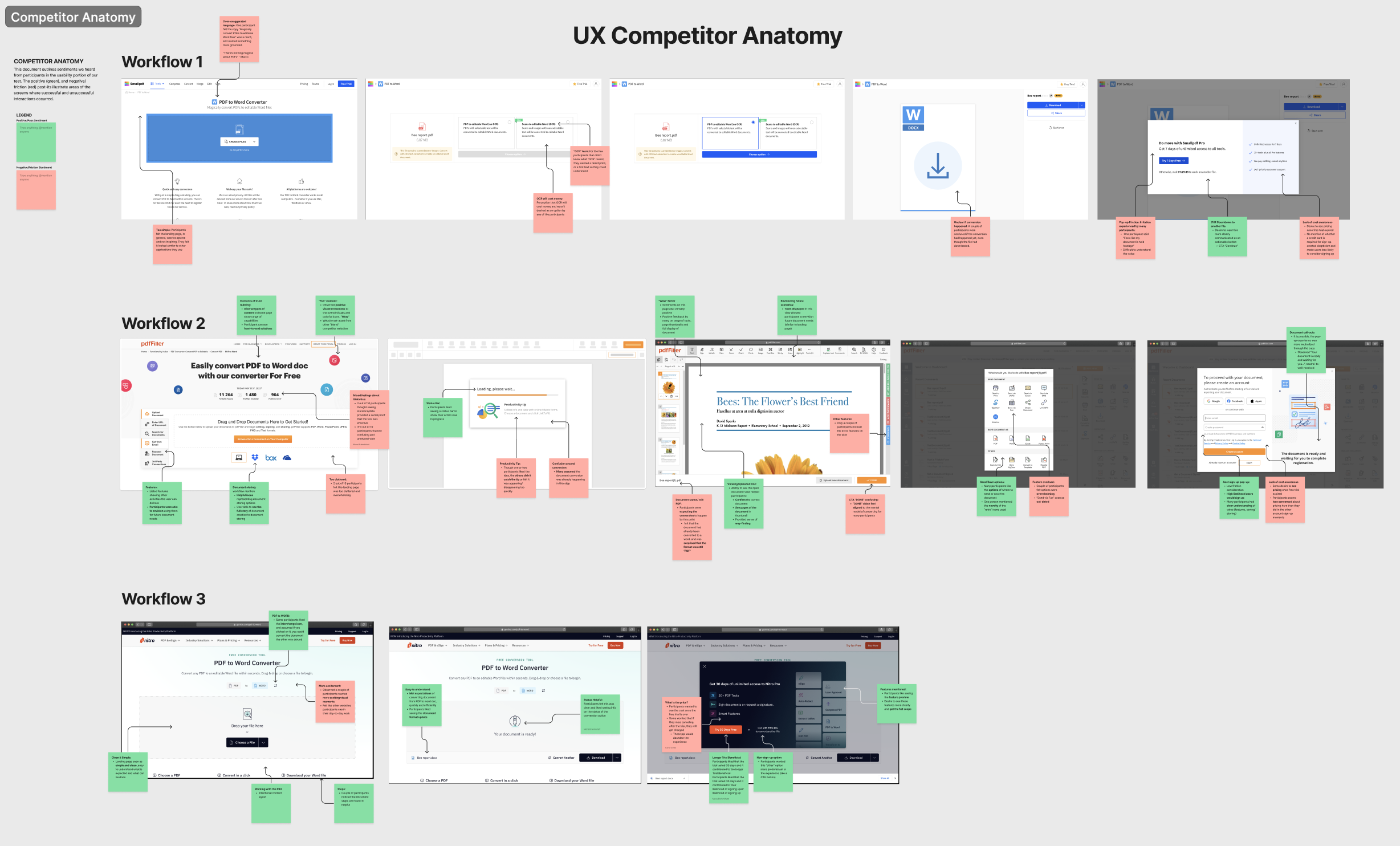
The team wanted to move fast to put together a prototype to test in a research study. I did a UX audit of existing competitor web apps as well as within Nitro. I took note of existing patterns, language, and functionality. It was important to be aware of expectations in the market to remain competitive.
UX audit of competitor web apps
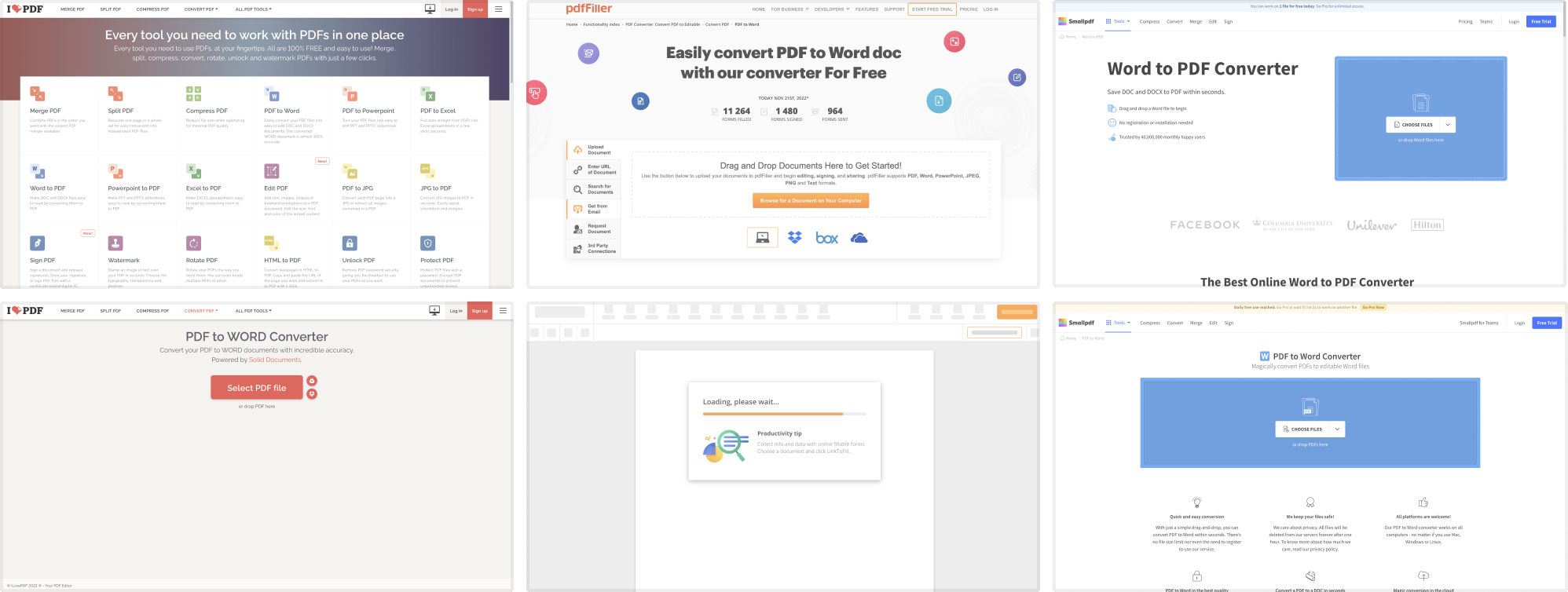
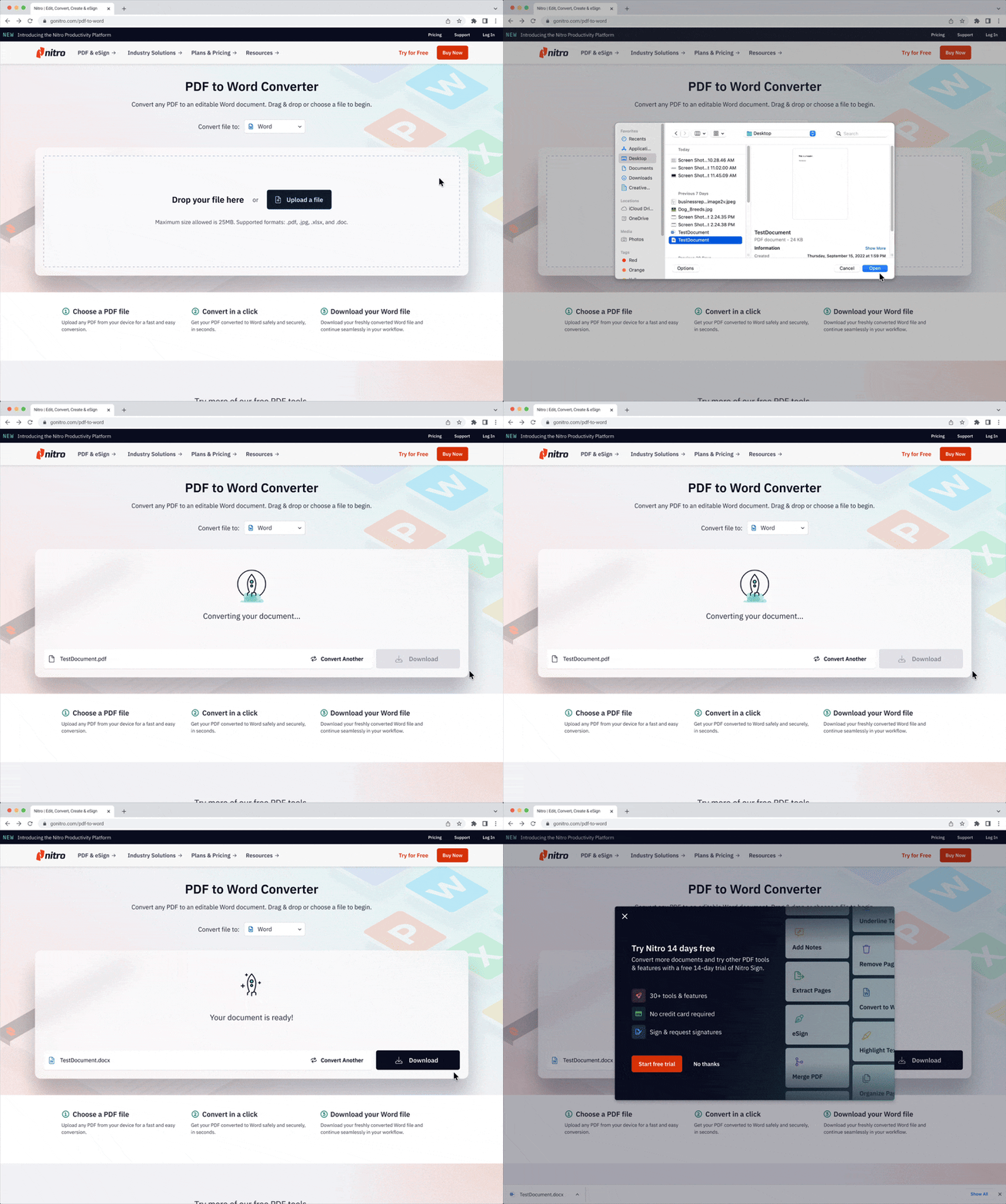
UX audit of Nitro conversion tools

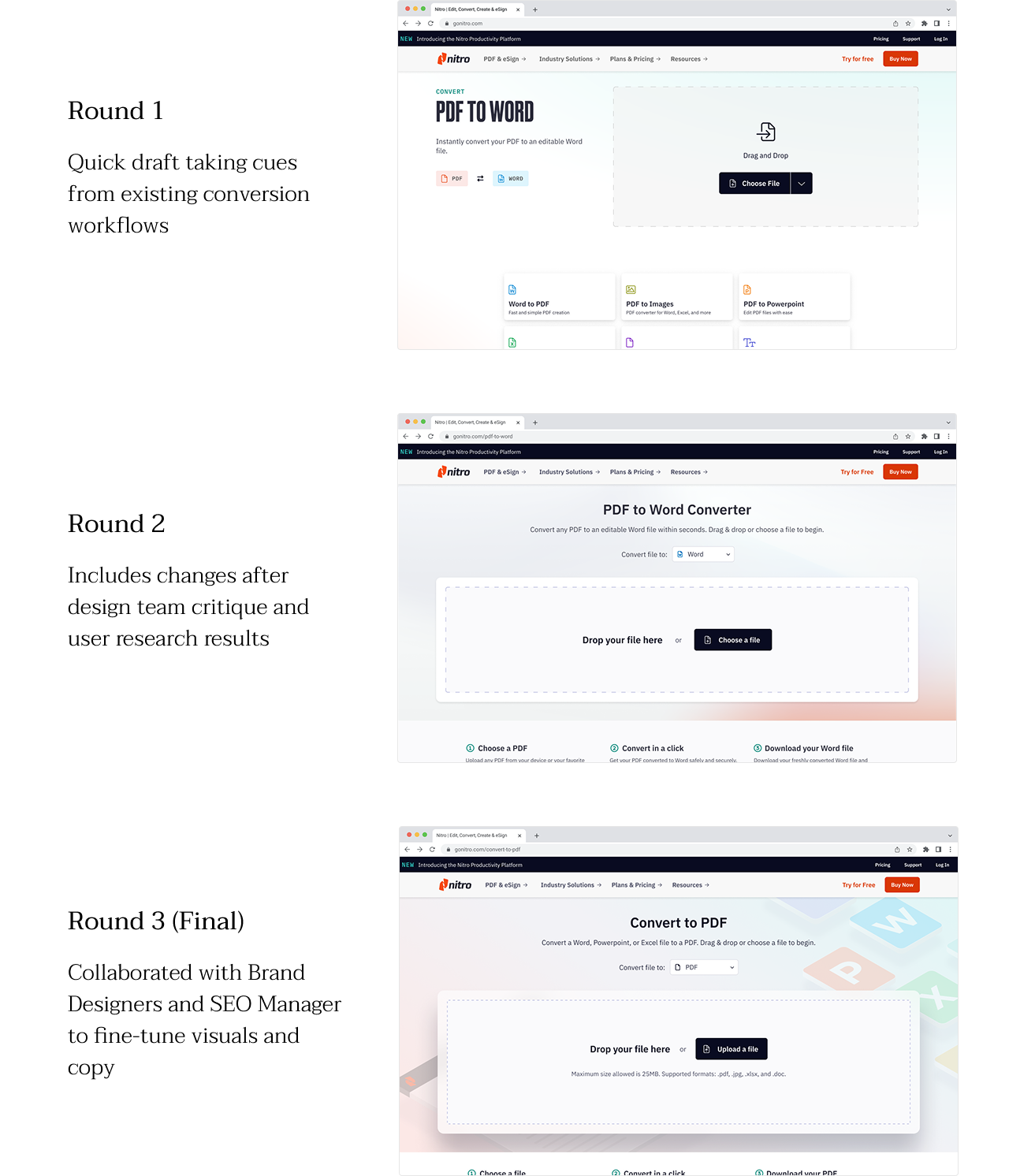
I put together an end-to-end document conversion experience and hosted critiques with the design team during the iteration process. Once I was confident I had captured all the necessary elements for a complete experience, I provided a prototype for Research Operations to conduct research and user testing.
Snapshot of critique board

"Basic User" personas
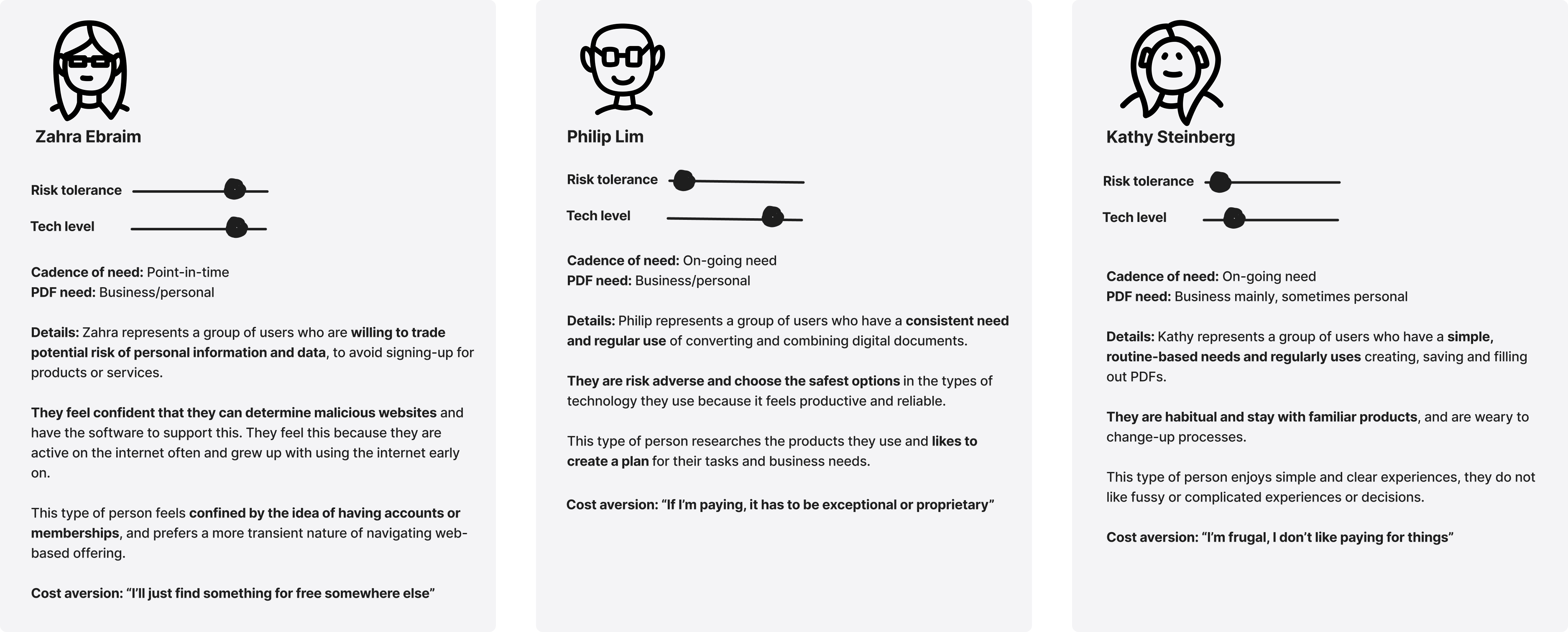
During the interview, we had users walk through 3 conversion tool experiences, one of them being the basic prototype I had created from the initial rounds of design. The feedback gave us strong signals on what was working and what could be improved on.
Key UI takeaways
- Desire for engaging visuals
- Positive sentiment to seeing a list or preview of other features
- 3/10 participants would abandon flow once they are asked to sign up for an account
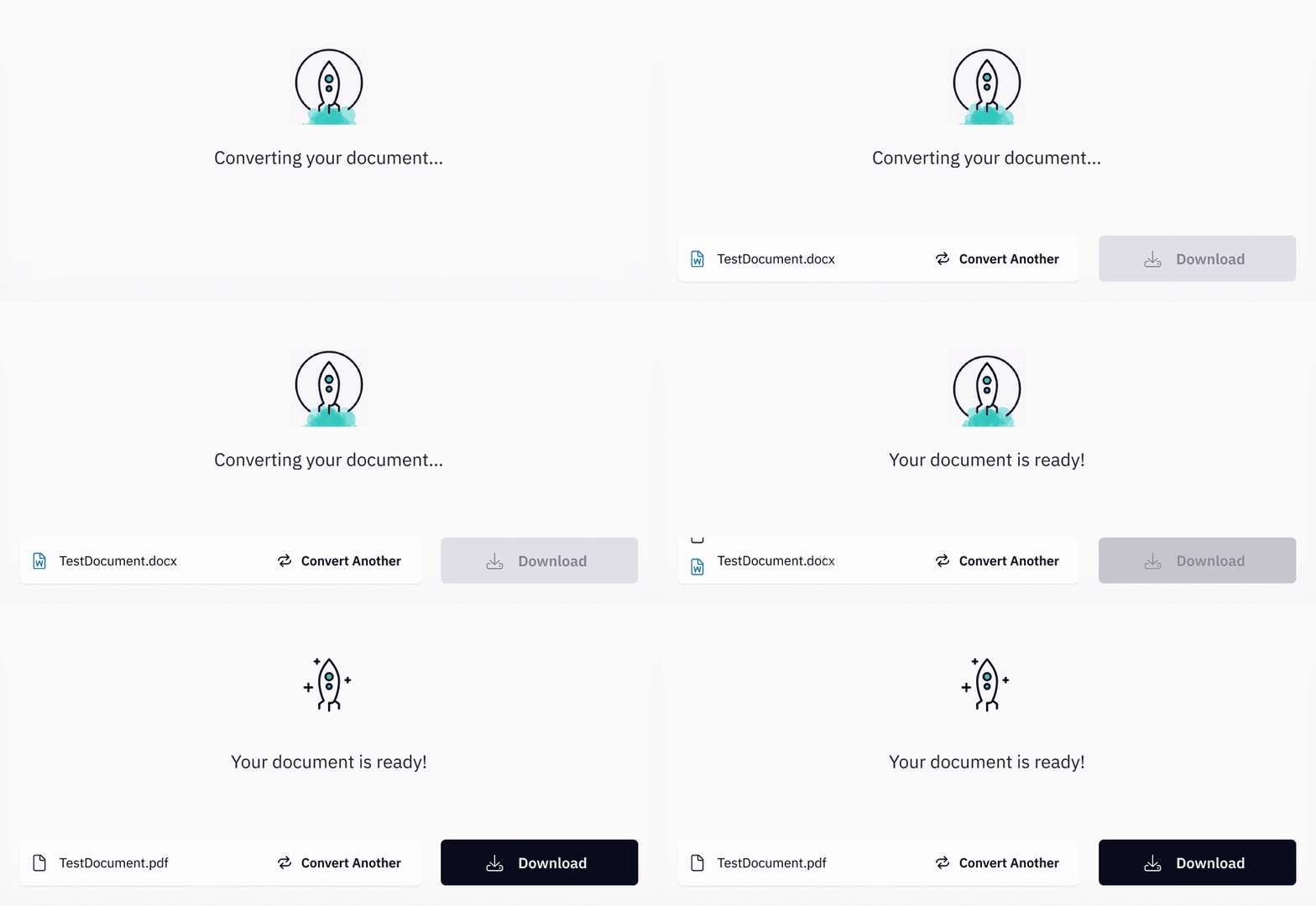
- Progress tracking and status of the document meets expectations and provides clarity
- Highest friction at pop-up, especially when cost awareness is low
- “Free” can get missed
This project introduced new UX patterns such as a drag and drop component and loading animations. I collaborated with our brand designers, UX designers, and engineers to brainstorm and design these elements. These details were important to the tone and sophistication of the product, and our choices would affect the grander product system.
Design Hand-off & Production
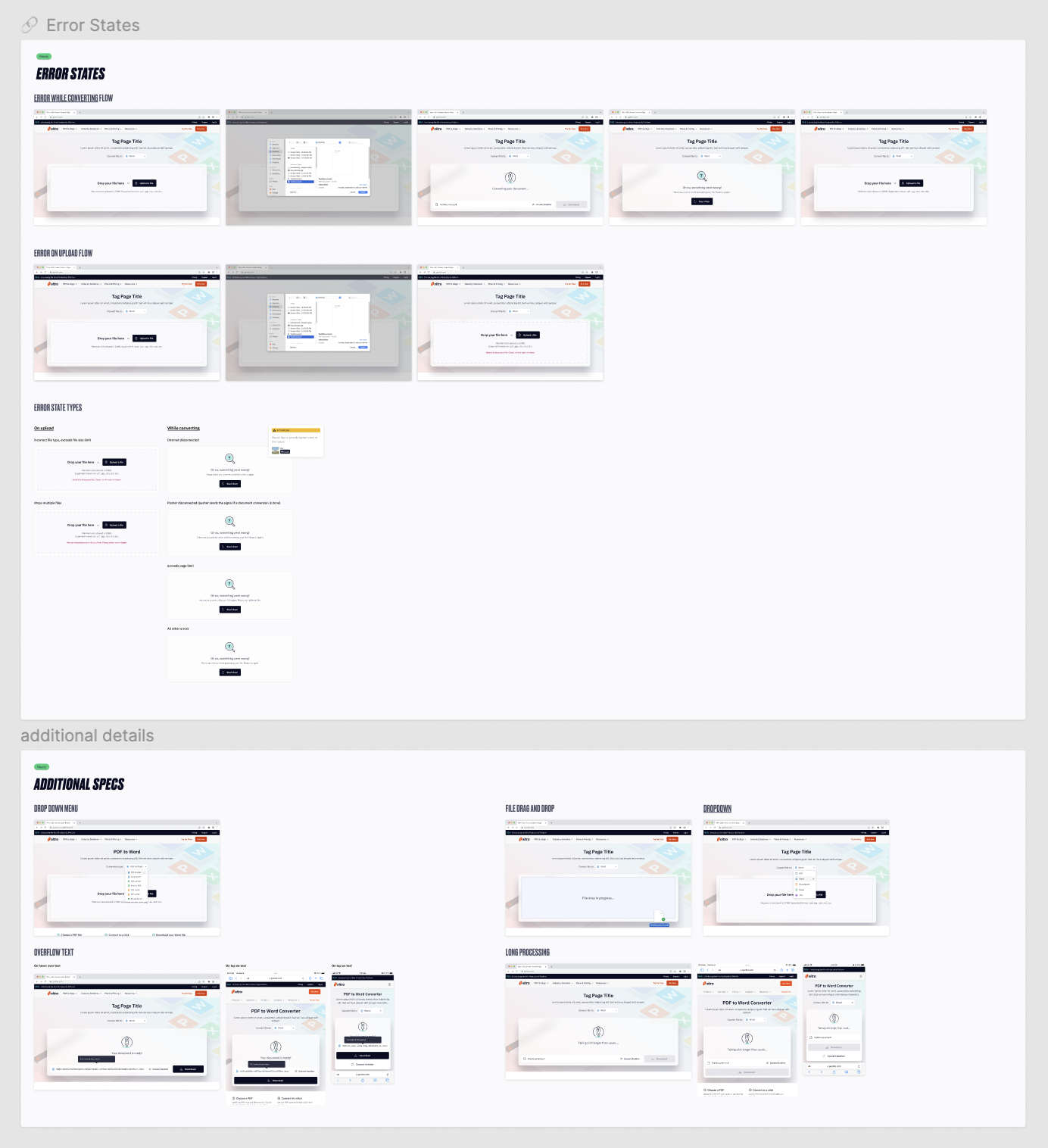
Once designs were adjusted based on research findings, I was responsible for laying out specs for the end-to-end experience as per breakpoints, error states, and OS or device specifications.
Working in step with engineering, we made sure small reusable elements such as a button, drop down menu, or drag and drop field were first built into the design system before being used in this project. This pushed forward progress in our design system and ensured the product would be scalable after its initial release.
Close-up of design specs
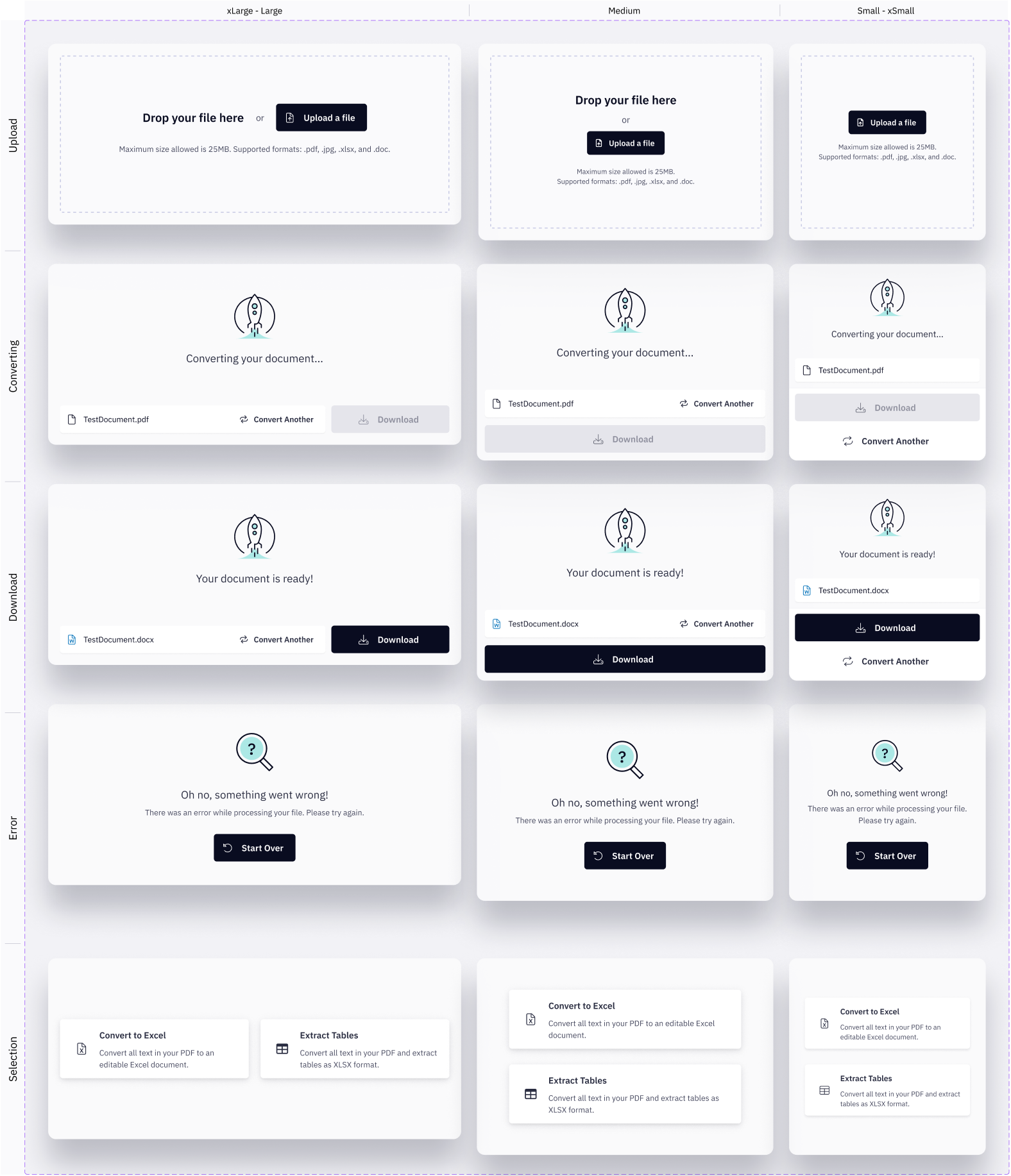
Birds-eye view of design specs
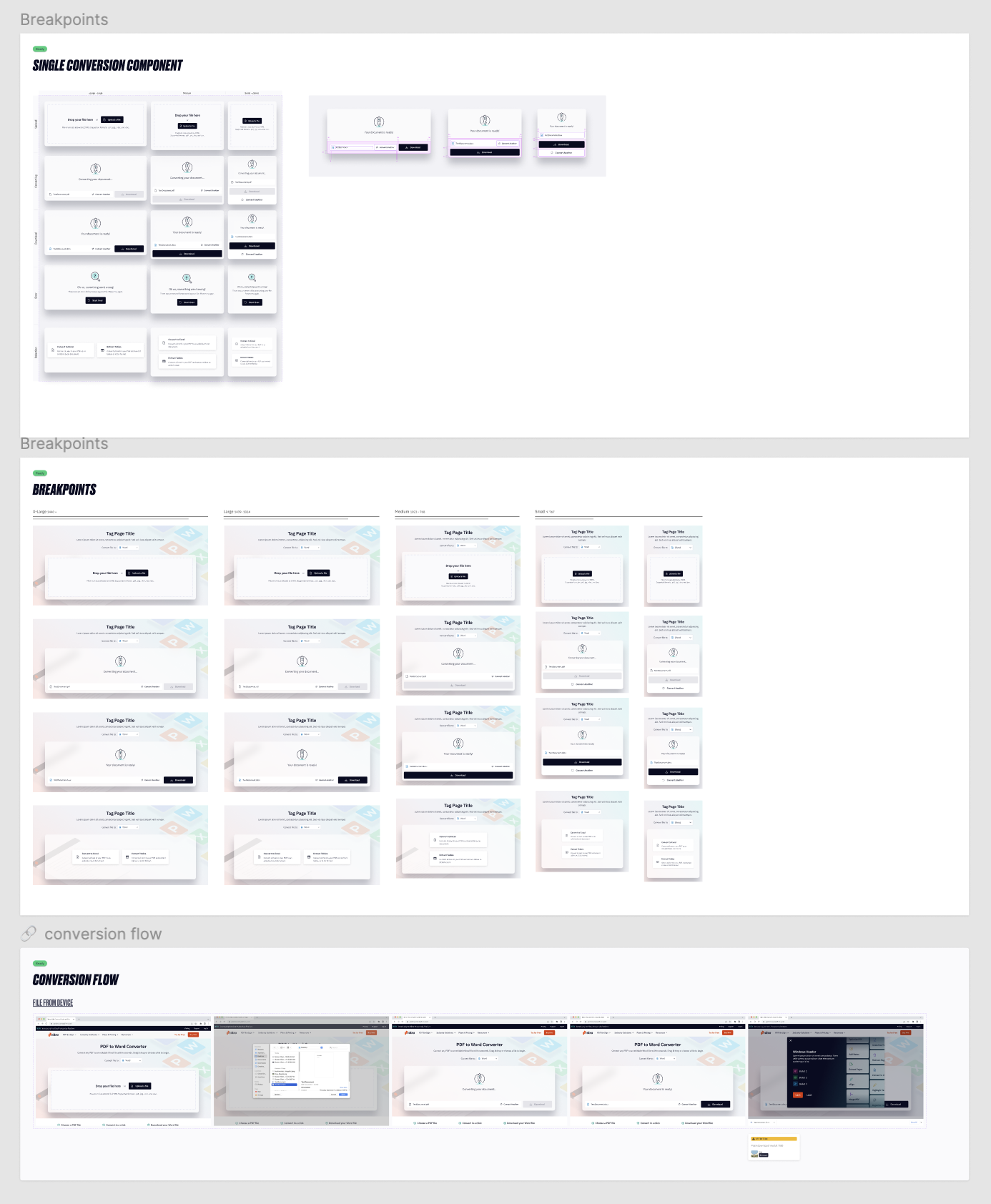
Lastly, I detailed out the webpage, including content layout and the post-download experience. Content was managed by Marketing while the structure and functionality were executed by Design and Product & Engineering.