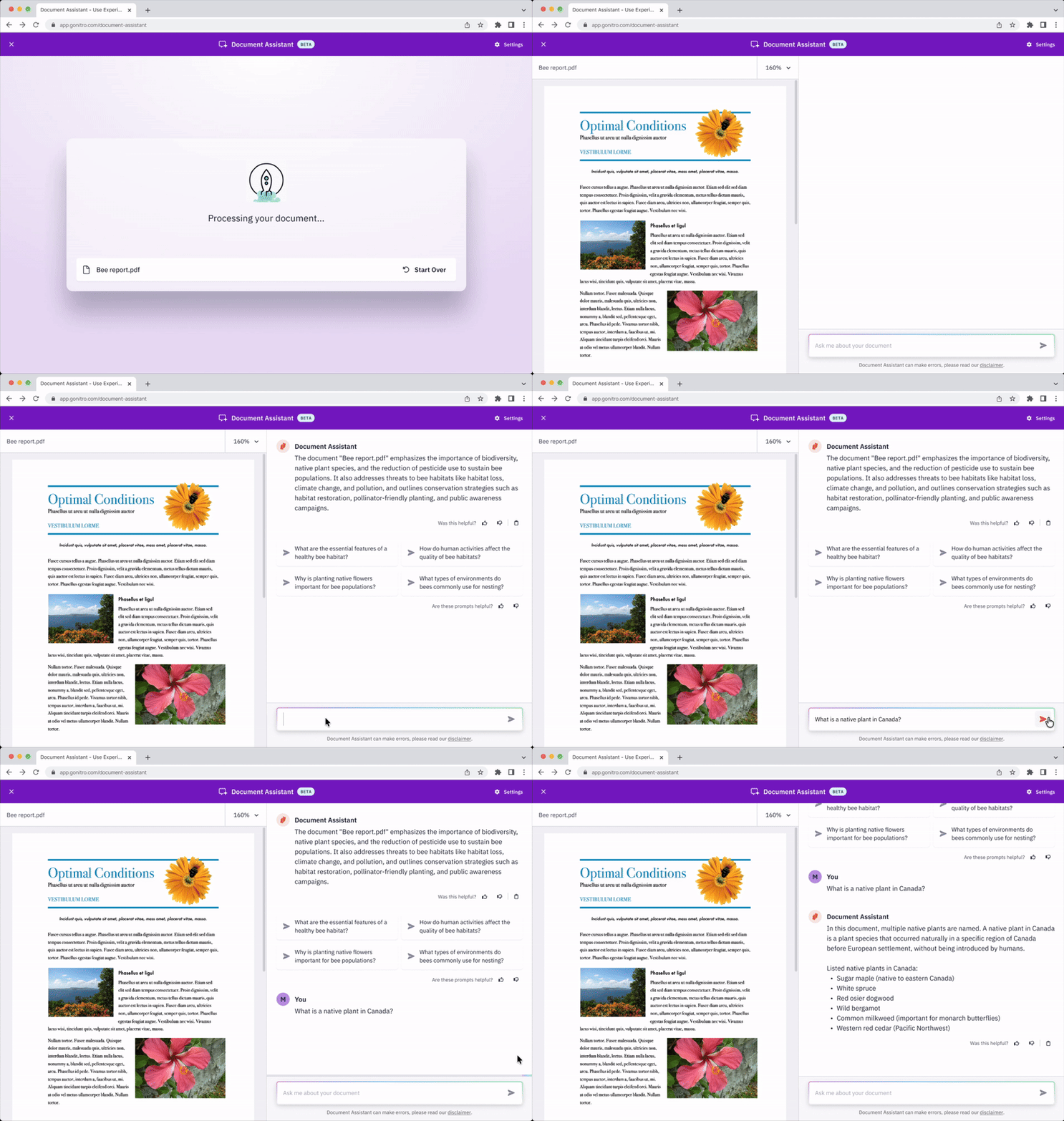
Document Assistant
The Nitro Document Assistant is an AI-based tool enabling users to ask questions about the content of their documents. It is one of Nitro’s first endeavors into the AI space and was released in the Nitro Workspace, the central hub for web based tools and product installers.
I was responsible for the UX design, working in line with the Design Systems team and Data & Document Intelligence team.
key collaborators
mark lambe, brian o'mullane
Nitro App Ecosystem
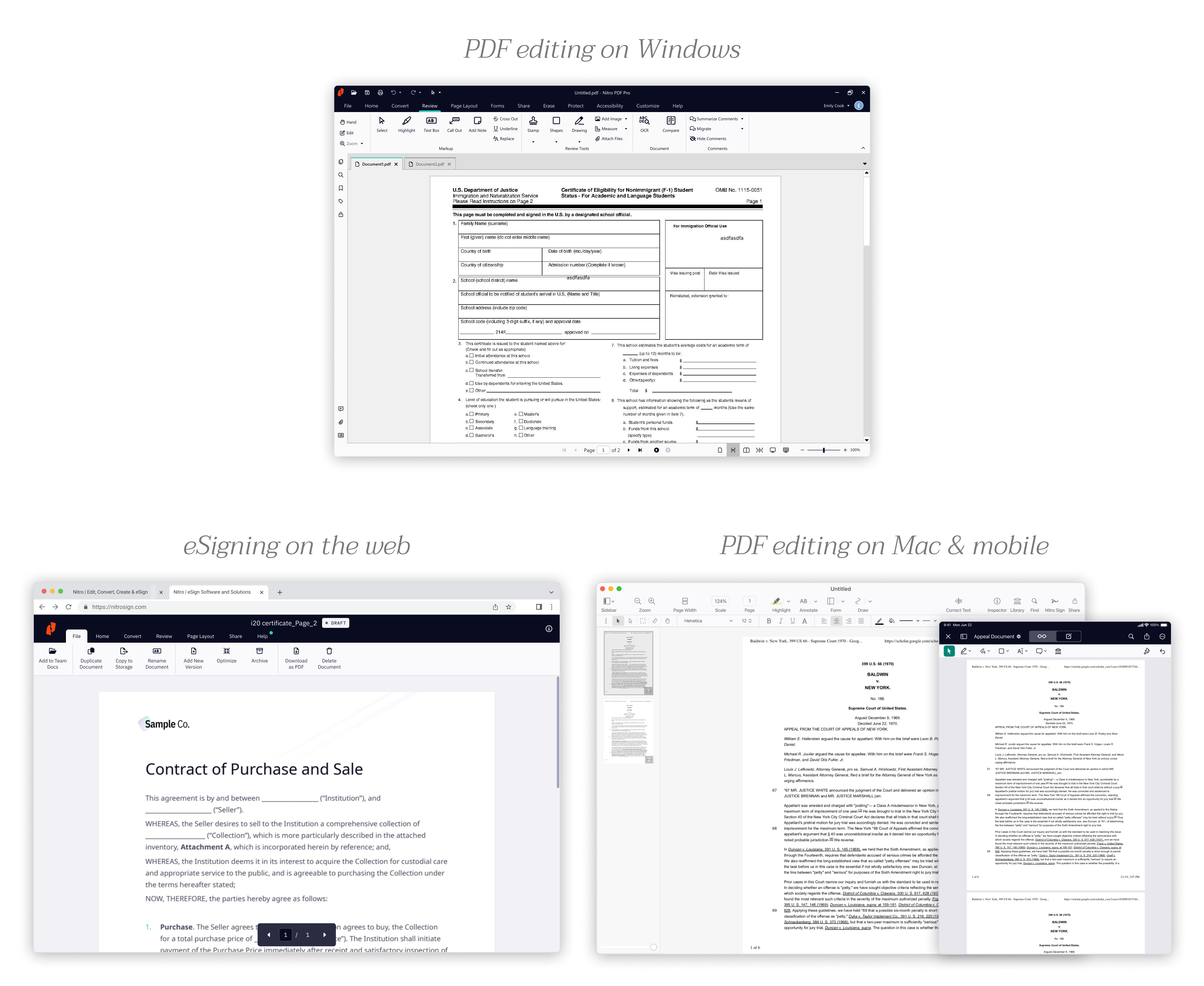
Nitro specialized in PDF software with PDF editing applications available on Windows, Mac, and iOS, in addition to an eSigning application on the web. All of these apps were designed and built separately over the timeline of Nitro’s history. The business wanted to expand into the web space, building an online PDF editing presence as well as creating a unified place for users to access all their Nitro apps.
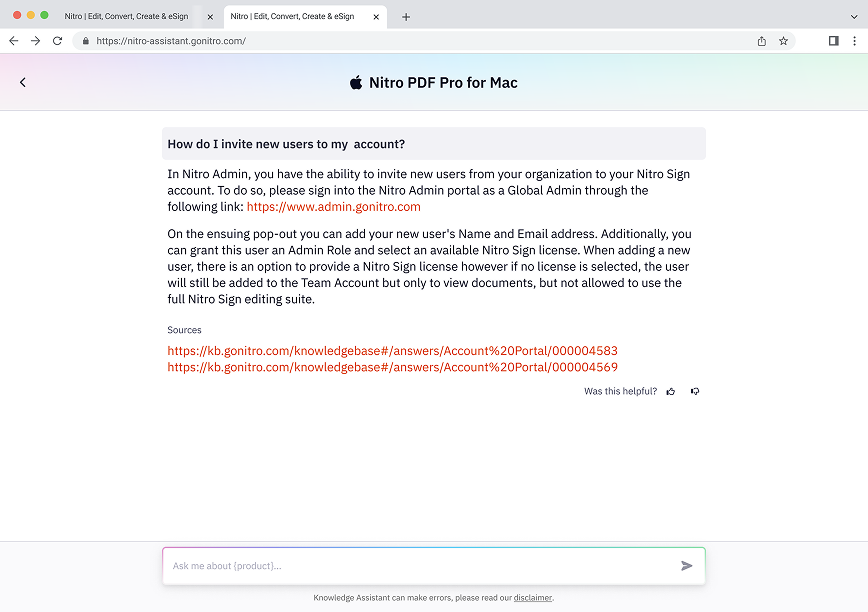
While designing the Document Assistant, we were aware of existing UX patterns across Nitro’s ecosystem. This also included the Nitro Knowledge Assistant, a conversational AI tool allowing users to ask about Nitro's apps and services. We made sure to reference these products in the iteration process to maintain consistency and build on what existed.
Nitro Knowledge Asssistant
Nitro Workspace dashboard
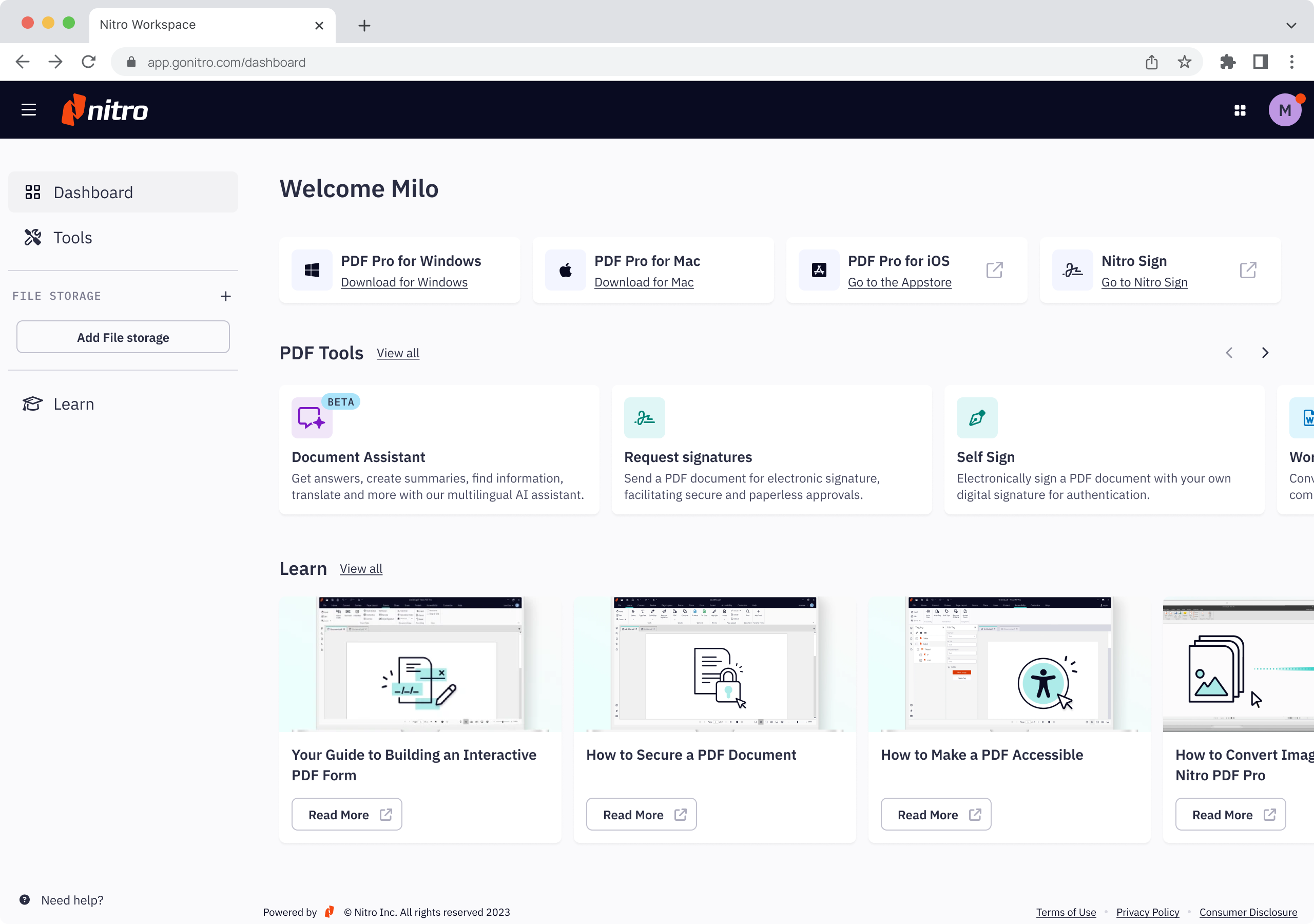
I coordinated designs for the Nitro Document Assistant with the designer for the Nitro Workspace. We worked closely to define the UX patterns in the Nitro Workspace and for this tool, considering how this would extend to future product development.
Componentizing and Development Prep
After walking through the user journeys with the team and stakeholders, we received approval on designs. I fine-tuned all specifications for handoff to our engineers.